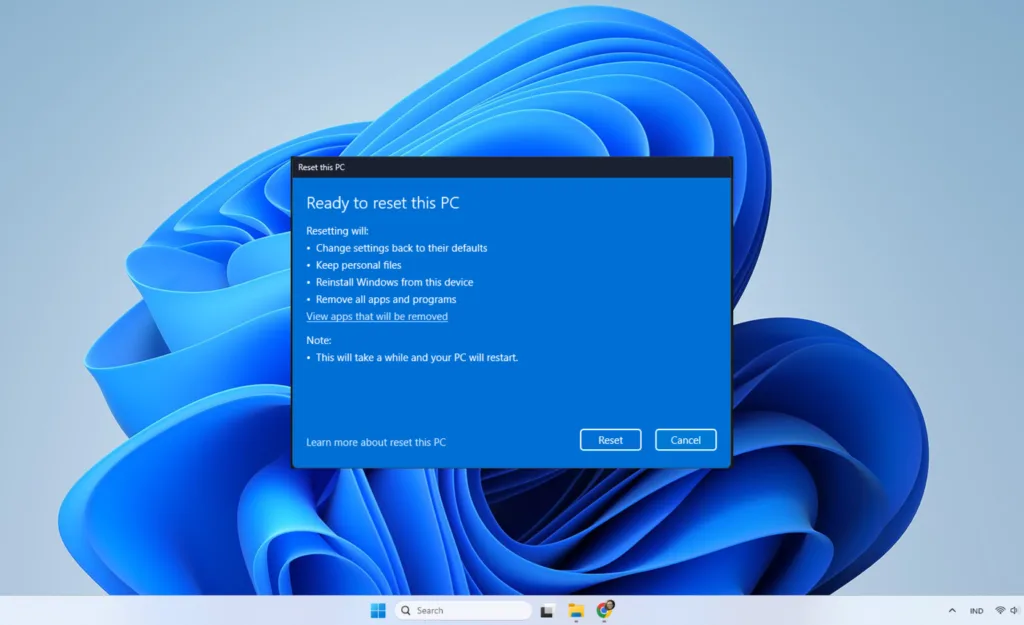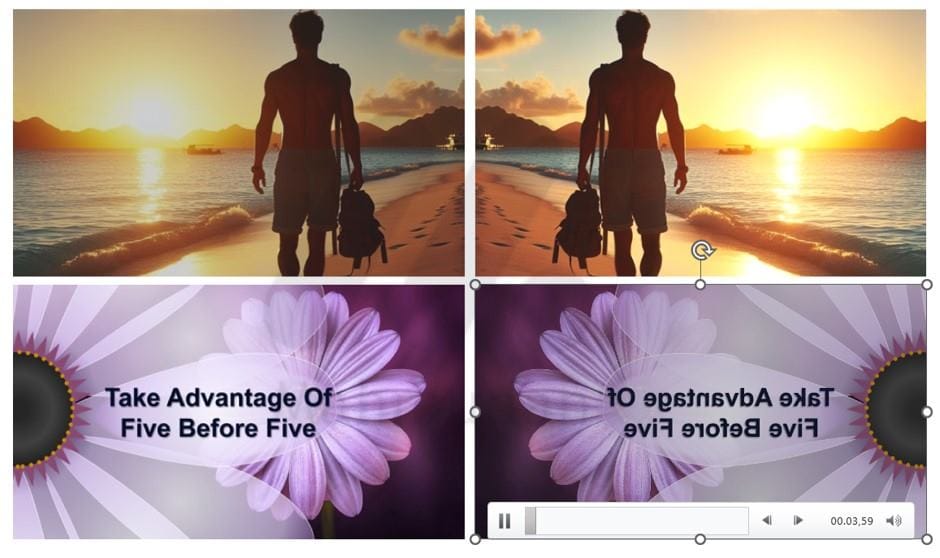
You can quickly flip a picture or video in PowerPoint and save it back as if you had a new picture or video.
By using this trick of flipping images or videos in Powerpoint, You can watermark it a bit then save it again as a new image or video then upload it to social media such as facebook, Twitter or Instagram.
This short tutorial will show you two ways to flip an image or video using PowerPoint, then how to save the images and videos in PowerPoint to a new image or video file.
List of contents
Normal Way to Flip an Image or Video in PowerPoint
1. Flipping an Image
To rotate or flip the image, You can use the drawing tools found in PowerPoint, do the following steps:
- Insert images or videos into PowerPoint. You can insert images by copy-pasting or via the menu Insert. You can follow the same method now inserting a picture into a word.
- After inserting the image into PowerPoint, Click on the image and a new tab will appear, namely Picture Format. If you enter a video then what appears is a tab Video Format
- On tabs Picture Format or Video Format, in part Arrange, click Rotate then select one of the rotations you want to apply, Flip Vertical or Flip Horizontal, in this guide the rotation selected is Flip Horizontal.

2. Saving Pictures
Right click on the image then select Save As Picture. If you flip the video, see how to save videos on the following guide.

How to Quickly Flip an Image or Video in PowerPoint
1. Flipping Videos
You can also rotate or flip the image using the markers on the image Click and Drag. Do the same for the video you want to flip. Practice the steps below by flipping the video.
- Click on the video so that eight dots appear on the edge of the video.
- Point the mouse pointer at a point on one side of the video so that the mouse pointer changes shape into a double arrow.
- Click on one of the points then drag it to the opposite side.

2. Saving Videos
Furthermore, save the video by right clicking then selecting Save Media As

Hope it is useful.